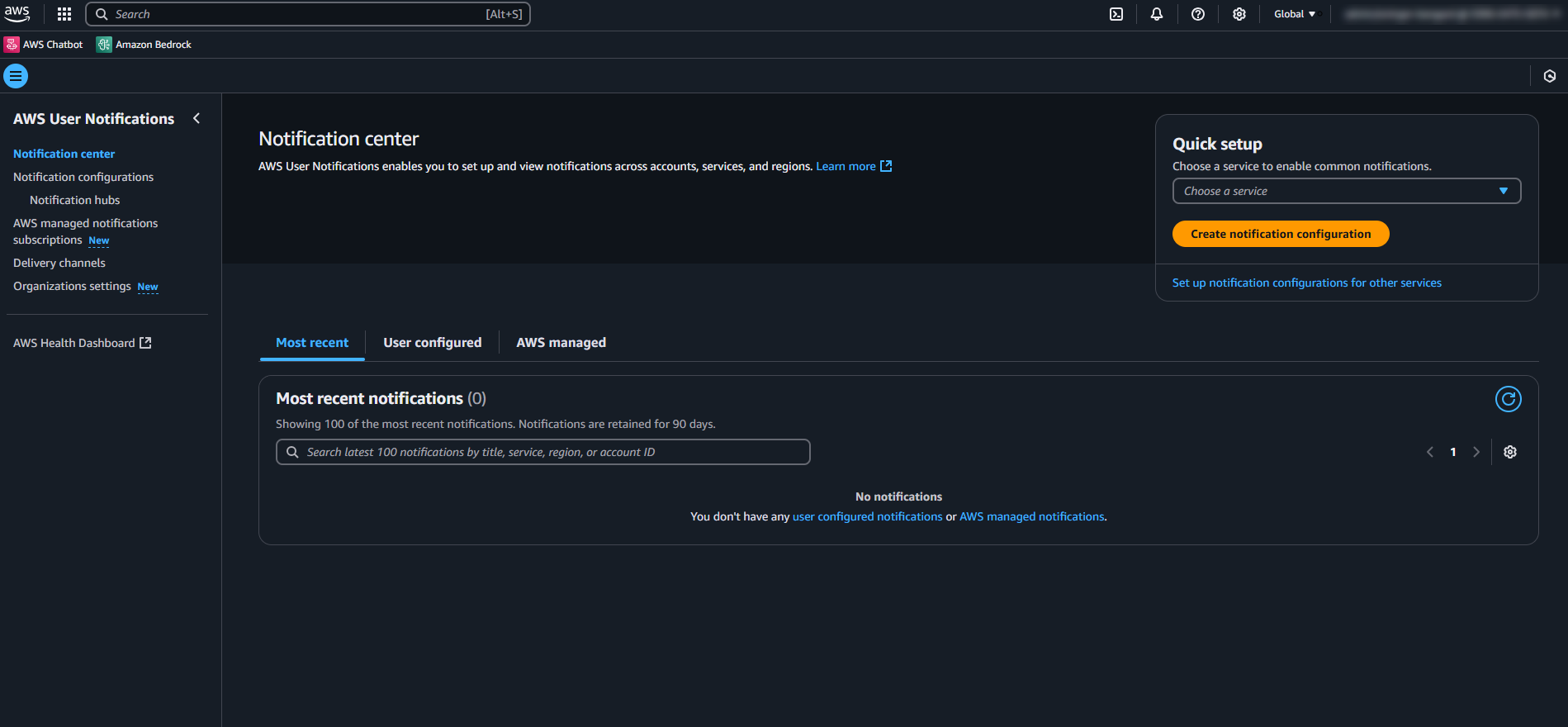
AWS User Notifications
AWS User Notifications — Content Design Case Study
Overview
AWS User Notifications is a centralized notification management service that allows users to receive and manage alerts across accounts, regions, and channels from a single location. I was the sole content designer on this product from launch, owning the end-to-end content strategy including UX copy, documentation architecture, a cross-service writing template, and post-launch iteration. To view the technical documentation I’ve created for this service, click here.
The result: a 25% increase in feature adoption following launch.
The Problem
Before User Notifications existed, AWS users had no centralized way to manage alerts. Getting notifications required manually configuring EventBridge rules, CloudWatch Alarms, and SNS topics. A complex, time-consuming process prone to gaps and inconsistencies.
The experience this created was fragmented:
Notifications arrived in multiple formats across disconnected channels
There was no unified view of account health across services, accounts, or regions
Users had limited control over where and how they received alerts
Raw SNS emails were often the default, offering little readability or context
The goal of User Notifications was to consolidate this into a single, manageable experience with support for email, chat apps, and push notifications. My goal was to make sure users could understand, adopt, and get value from it quickly.
My Roles: Content Designer, Technical Writer, UX Writer
I joined the project at the beginning and owned content end to end across three phases:
Pre-launch — I worked directly with PMs, engineers, and a UX designer to understand the service architecture and define the content strategy. I collaborated with the UX designer to iterate on console copy alongside design mockups, ensuring the language, error messages, and notification templates were clear and consistent before anything shipped.
Launch preparation — I authored the full user guide and getting started content, collaborated with the UX designer on console copy including notifications and error messaging, and built a cross-service documentation template that any AWS writer could use for their own service's User Notifications integration.
Launch and post-launch — I deployed documentation alongside the engineering team from GitHub and monitored user feedback and performance metrics after launch.
A Key Content Decision: Managed vs. User-Configured Notifications
The most significant content design challenge came after launch, when the team introduced managed notifications — notifications delivered automatically by AWS by default, without user configuration.
At the time, the existing documentation only covered one type of notification: the kind users set up themselves. I had informally been calling these "user-configured notifications" but the guide didn't make the distinction explicit because there was only one type.
When managed notifications were introduced, I had to decide how to restructure the information architecture of the entire guide.
I had a couple of options:
Keep everything in one guide and add a section for managed notifications
Restructure the existing guide into two distinct sections with clear navigation
I chose the third approach — splitting the guide into a managed notifications section and a user-configured notifications section within the same guide. This kept the content unified under one URL and navigation entry point while making the distinction between the two concepts immediately clear to users arriving from either direction.
The naming itself was a deliberate decision. "Managed" and "user-configured" aren't the most exciting terms but they're precise, parallel, and immediately communicate who controls what, which is exactly what users need to know when they're deciding which path applies to them.
The Cross-Service Template
Because User Notifications integrates with every AWS service, dozens of other AWS writers needed to document how their specific service worked with it. Without a standard, each writer would have approached it differently. This produces inconsistent, hard-to-compare documentation across the AWS ecosystem.
I built a standardized documentation template with required sections and customizable fields that any writer could adapt for their service. The template defined what information had to be included, how it should be structured, and where customization was appropriate.
The impact was threefold:
All User Notifications content across AWS looked and felt consistent
Other writers saved significant time — they weren't starting from scratch
I saved time on reviews — content arrived closer to ready because the structure was already defined
Outcome
AWS User Notifications saw a 25% increase in feature adoption following launch. The documentation and UX copy played a direct role — users needed to understand a new mental model for how notifications worked at AWS, and clear content was the bridge between the product's technical capability and user confidence in adopting it.
Team: Project Manager, UX Designer, Software Development Engineers, Editor
I regularly work across other AWS services I support (Amazon Q in chat applications, AWS User Notifications, Management Console) and their teams as much of the content includes overlapping user experiences.
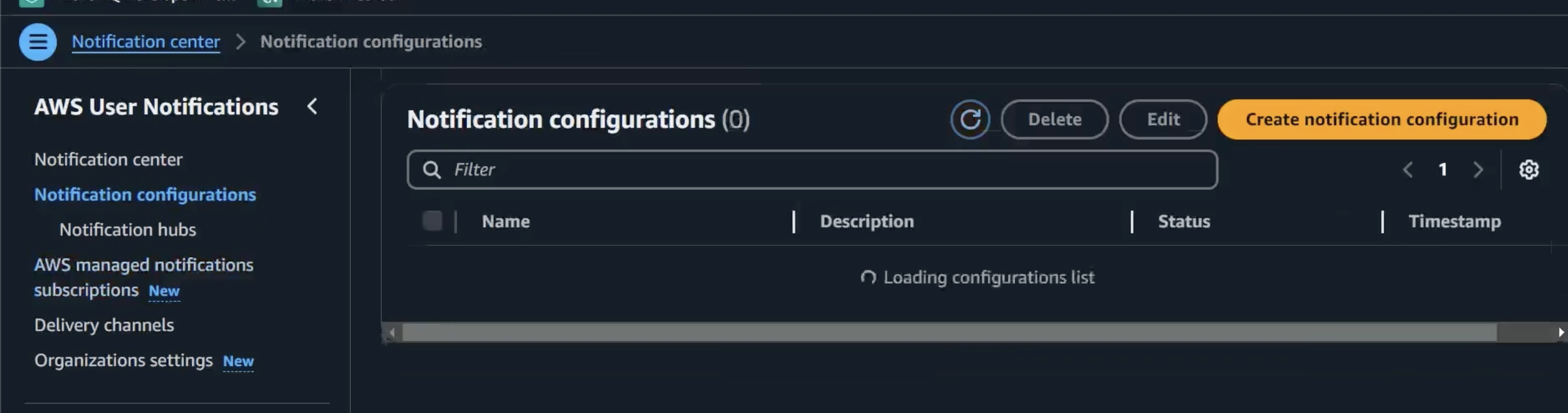
This video shows the User Notifications Console, its UI text, and the notification configuration flow. The video depicts text written for menu items, empty states, and button text.